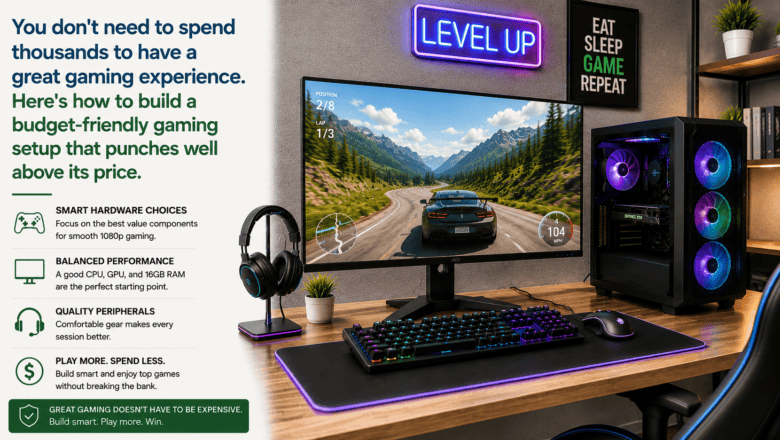
You don’t need to spend thousands to have a great gaming experience. Here’s how to build a budget-friendly gaming setup that punches well above its price.
STEP 1 — Choose Your Gaming Platform
Console gaming — PlayStation or Xbox — is simpler, cheaper upfront, and plug-and-play. PC gaming has a higher entry cost but better graphics at equivalent price points long term, more game selection, and free online play on many titles. For budget gaming, an Xbox Series S at $299 offers excellent value without the complexity of building a PC.
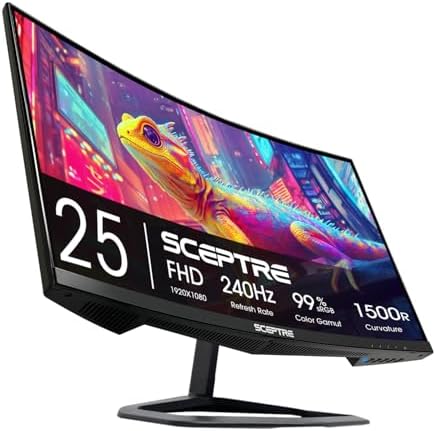
STEP 2 — Prioritize a High Refresh Rate Monitor
The single biggest gaming upgrade most people overlook is the monitor. A 144Hz monitor makes games feel dramatically smoother and more responsive than a standard 60Hz TV or monitor. A 24-inch 1080p 144Hz IPS monitor can be found for $150-200 and transforms the experience of any fast-paced game completely.
STEP 3 — Get a Good Gaming Headset
Audio is critical in competitive games — footsteps, reloads, and directional sound cues are often the difference between winning and losing. A good stereo gaming headset in the $50-80 range outperforms most $200 headsets for directional gaming audio.
STEP 4 — Choose the Right Mouse and Keyboard for PC
For PC gaming, a lightweight mouse under 80 grams with a quality optical sensor matters more than brand recognition. A basic mechanical keyboard with linear switches like Cherry MX Reds or Gateron Yellows dramatically improves both gaming and typing feel over membrane keyboards.
STEP 5 — Set Up Your Space for Comfort and Posture
Position your monitor at eye level 20-28 inches away. Keep your mouse and keyboard at a height where your elbows are at roughly 90 degrees. A good chair or lumbar support cushion prevents back pain during long sessions more effectively than anything else.
STEP 6 — Optimize Your Network Connection
Online gaming is far more affected by latency and packet loss than download speed. Connect to your router with an Ethernet cable rather than Wi-Fi — even a basic Cat5e cable dramatically reduces ping and eliminates the wireless dropouts that cause lag spikes.
Pro Tip
Q: What is the best tip for someone learning to build a Budget Gaming Setup?
A: Buy games at sale prices rather than at launch. Steam sales, PlayStation Store seasonal sales, and Xbox Game Pass offer tremendous value — waiting 3-6 months after launch and buying during a sale saves 40-70 percent off the launch price for an identical gaming experience.
SUPPLIES NEEDED
Gaming platform — PC or console
Gaming monitor 144Hz or higher
Gaming headset
Gaming mouse and keyboard for PC
Comfortable chair or seat cushion
Products from Amazon

This site contains affiliate links. As an Amazon Associate I earn from qualifying purchases.