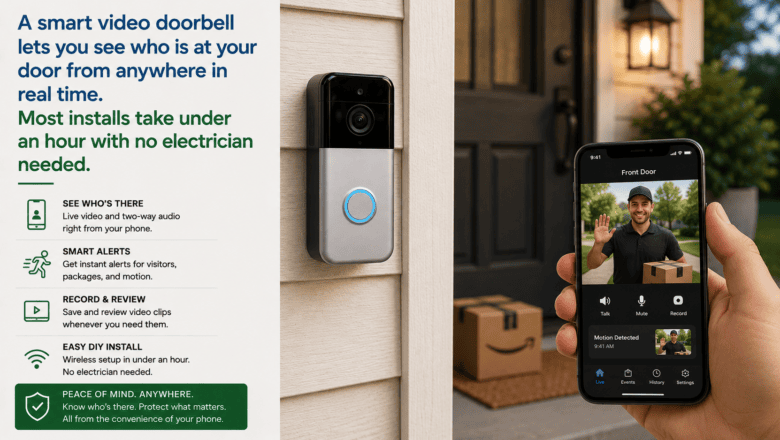
A smart video doorbell lets you see who is at your door from anywhere in real time. Most installs take under an hour with no electrician needed.
STEP 1 — Check Compatibility With Your Wiring
Most homes have a low-voltage doorbell wire that can power a wired smart doorbell. Check that your existing chime transformer provides 16-24 VAC — typically printed on the transformer, usually near your electrical panel or in a utility closet. Battery-powered doorbells bypass this entirely if you prefer no wiring work.
STEP 2 — Download the App and Create Your Account
Before touching any hardware, download the manufacturer’s app and create your account. Having the app ready significantly streamlines installation as it often walks you through each step with visual guides.
STEP 3 — Turn Off Power to the Existing Doorbell
Turn off the circuit breaker for the doorbell. Test that power is off by pressing the existing doorbell button — if the chime does not sound, the power is off.
STEP 4 — Remove the Old Doorbell and Note the Wires
Unscrew the old doorbell button and pull it out carefully. Take a photo of the two small wires connected to the back before disconnecting them. Loosen the screws and remove the wires.
STEP 5 — Mount the New Doorbell Bracket
Use the included mounting bracket to mark screw positions on the wall or door frame. Use a level to ensure it is straight. Drill pilot holes if mounting into wood, or use included wall anchors for brick or stucco. Thread the doorbell wires through the bracket and screw it to the wall.
STEP 6 — Connect Wires and Complete Setup
Connect one wire to each terminal screw on the back of the doorbell. Snap or screw the doorbell onto the bracket. Restore power at the breaker and follow the in-app setup to connect to Wi-Fi and complete configuration.
Pro Tip
Q: What is the best tip for someone learning to set Up a Smart Doorbell?
A: Position the doorbell camera at chest height — about 48 inches from the ground — rather than at eye level. This angle captures faces more clearly and reduces the upward-looking distortion that makes identifying people difficult on video footage.
SUPPLIES NEEDED
Smart video doorbell kit
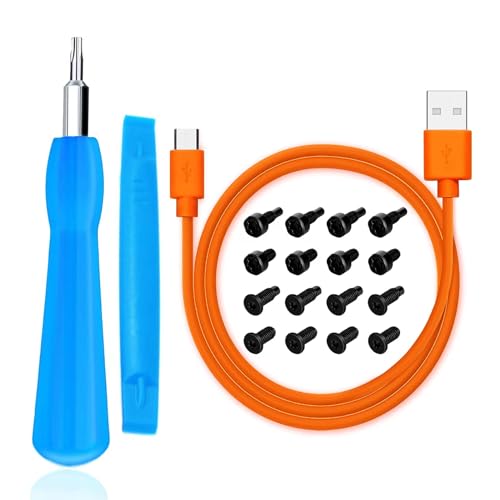
Small screwdriver
Drill with small drill bit
Level
Smartphone with manufacturer app installed
Products from Amazon

This site contains affiliate links. As an Amazon Associate I earn from qualifying purchases.