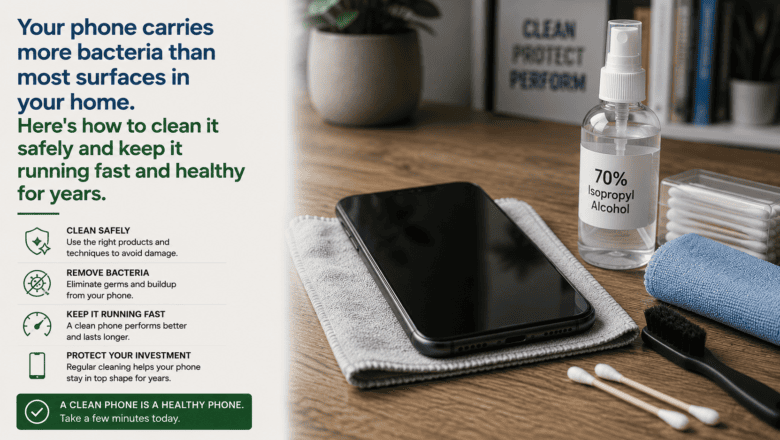
Your phone carries more bacteria than most surfaces in your home. Here’s how to clean it safely and keep it running fast and healthy for years.
STEP 1 — Clean the Screen and Body Safely
Power off your phone before cleaning. Use a dry microfiber cloth first to remove fingerprints and smudges. For deeper cleaning, use a 70 percent isopropyl alcohol pre-moistened wipe on the screen and body — Apple, Samsung, and Google all explicitly approve this method. Never spray liquid directly on the phone and avoid paper towels which can scratch screens.
STEP 2 — Clean the Charging Port
A dirty charging port is the most common cause of charging problems. Use a wooden toothpick or SIM ejector tool to gently remove compacted lint from the port. Do not use metal objects which can damage the contacts. A short burst of compressed air helps dislodge loose debris first.
STEP 3 — Manage Storage to Keep Your Phone Fast
A phone with less than 20 percent storage free runs noticeably slower. Go to Settings then Storage to see what is using space. Delete unused apps and back up and delete old photos. Use cloud photo backup from Google Photos or iCloud to automatically free up local storage.
STEP 4 — Optimize Battery Health
Enable Optimized Battery Charging on iPhone or Adaptive Charging on Android — these features learn your routine and slow charging overnight to reduce time spent at 100 percent. Avoid wireless charging as your daily driver if battery longevity matters since it generates more heat than wired charging.
STEP 5 — Keep Software Updated
Install operating system updates promptly — they include security patches that protect against actively exploited vulnerabilities in addition to performance improvements. Set updates to install automatically overnight so they do not interrupt your day.
STEP 6 — Protect It Physically
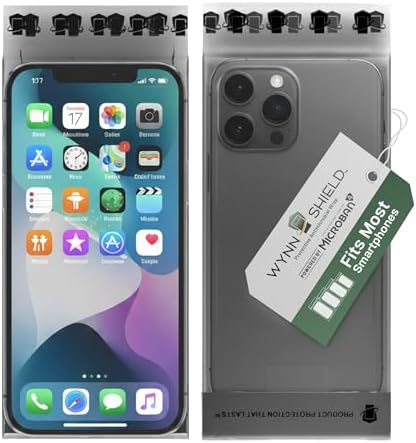
A quality phone case and screen protector prevent the most common types of damage. Drop tests show a good case reduces screen crack likelihood by 90 percent in a standard fall. Tempered glass screen protectors sacrifice themselves to save the display — replace the protector, not the screen.
Pro Tip
Q: What is the best tip for someone learning to clean and Maintain Your Smartphone?
A: Restart your phone completely at least once a week. Unlike computers that restart with updates, most people leave phones running for weeks at a time. A weekly restart clears memory, stops background processes, refreshes the network connection, and resolves a surprising number of minor slowness and battery drain issues.
SUPPLIES NEEDED
Microfiber cloth
70 percent isopropyl alcohol wipes
Compressed air can
Screen protector
Phone case with drop protection
Products from Amazon

This site contains affiliate links. As an Amazon Associate I earn from qualifying purchases.