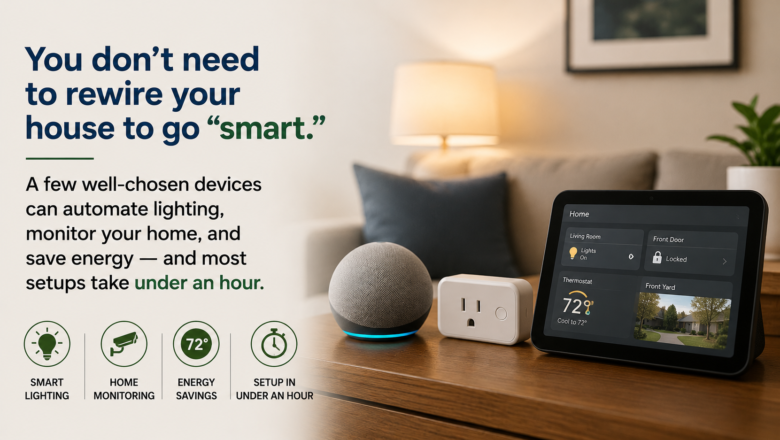
You don’t need to rewire your house to go “smart.” A few well-chosen devices can automate lighting, monitor your home, and save energy — and most setups take under an hour.
Step 1: Choose Your Ecosystem
Before buying anything, decide whether you’re leaning toward Amazon Alexa, Google Home, or Apple HomeKit, since most devices work best (or only) within one ecosystem. If you’re unsure, look for “Matter”-compatible devices, which work across all three.
Step 2: Start With Smart Plugs
Smart plugs are the cheapest, easiest entry point. Plug a lamp or fan into one, connect it to the app, and you’ve got app-and-voice control without touching any wiring. This is the best place to test the system before committing further.
Step 3: Add Smart Bulbs Where You Want Mood, Not Just On/Off
Smart bulbs are worth it in rooms where you want dimming, color, or scheduling — living rooms and bedrooms are the most common starting points. Keep the original switch in the “on” position so the bulb stays controllable remotely.
Step 4: Set Up Routines
Most smart home apps let you create routines — for example, “Good Morning” turns on the kitchen lights and reads the weather. Start with 2–3 simple routines rather than trying to automate everything on day one.
Step 5: Layer in a Hub for Bigger Features
If you want to add sensors, locks, or cameras later, a dedicated hub (rather than relying solely on phone Wi-Fi) gives more reliable performance and lets devices talk to each other faster.
Pro Tips
Q: How should I name my smart home devices?
A: By room — like “Kitchen Lamp” instead of “Plug 1.” Voice commands work much better this way.
Q: What’s a common cause of smart home reliability issues?
A: Often it’s actually a Wi-Fi issue in disguise, so keep your router firmware updated.
Q: Any tips on which brands to buy from?
A: Stick with brands that have a few years of track record — smart home products with weak software support tend to get abandoned fast.
SUPPLIES NEEDED
A smart hub (or a voice assistant speaker that doubles as one)
2–4 smart plugs
2–4 smart bulbs (or a smart switch if you prefer wall controls)
A smartphone with the manufacturer’s app installed
A strong, stable Wi-Fi connection
Products from Amazon

This site contains affiliate links. As an Amazon Associate I earn from qualifying purchases.


