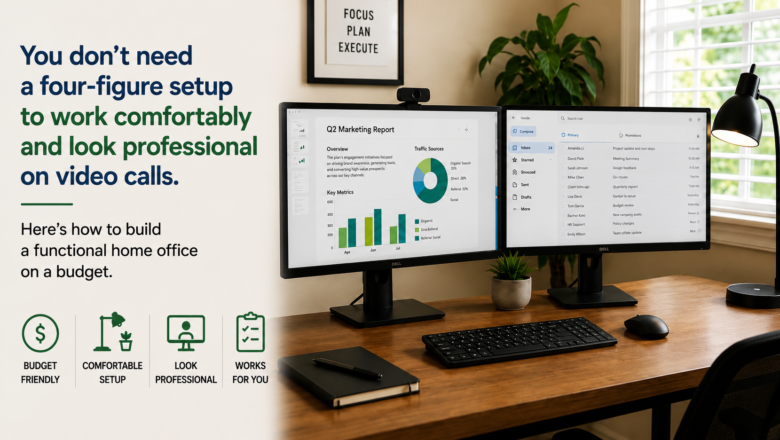
You don’t need a four-figure setup to work comfortably and look professional on video calls. Here’s how to build a functional home office on a budget.
STEP 1 — Start With a Second Monitor
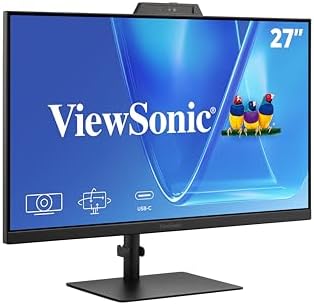
A second monitor is the single biggest productivity upgrade for most home offices — letting you reference one screen while actively working on another. A 24-27 inch 1080p monitor covers the vast majority of work needs without overspending.
STEP 2 — Upgrade Your Keyboard and Mouse
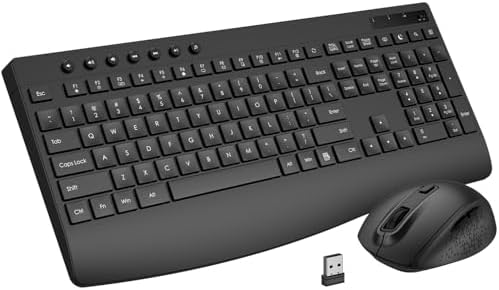
A wireless keyboard and mouse combo declutters your desk and typically costs very little. If you type frequently, look for one with a slight tilt or built-in wrist rest to reduce fatigue during long sessions.
STEP 3 — Fix Your Camera and Lighting
If your laptop camera looks grainy on calls, a basic USB webcam makes an immediately noticeable difference. Pair it with a small desk lamp angled toward your face — not behind you — for significantly better video quality on every call.
STEP 4 — Address Ergonomics on a Budget
You do not need a $400 ergonomic chair. A quality seat cushion or lumbar support pillow added to an existing chair, combined with your monitor at eye level, solves most comfort issues for under $50.
STEP 5 — Tidy the Cables
Use cable clips or a management sleeve to bundle cords running to your monitor, charger, and peripherals. This small step makes the whole setup feel intentional and professional rather than chaotic.
PRO TIPS
Q: How should I position my monitor?
A: The top of the screen should be at or just below eye level — that helps eliminate neck strain.
Q: Any tips on saving money when buying a monitor?
A: Consider refurbished or open-box monitors from reputable sellers. You can often save 30-40 percent off the new price.
SUPPLIES NEEDED
Monitor 24-27 inch recommended
Wireless keyboard and mouse combo
USB webcam for video calls
Desk lamp
Ergonomic chair cushion or lumbar support
Cable management clips or sleeve
Products from Amazon

This site contains affiliate links. As an Amazon Associate I earn from qualifying purchases.